What automation actually looks like day to day
The best automation is invisible. You notice its absence, not its presence.
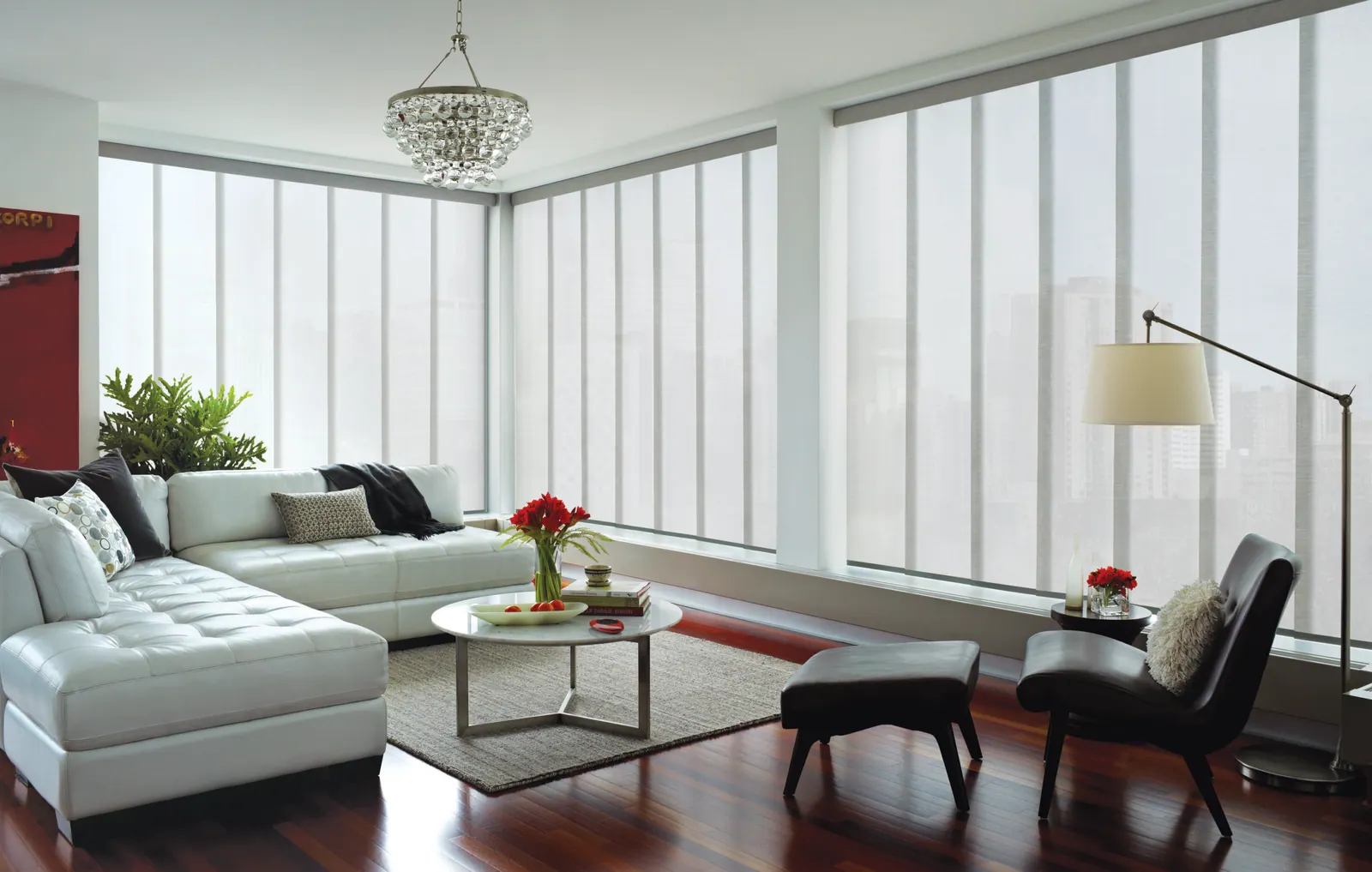
A realistic Colorado Springs setup: bedroom shades open gradually at 6:30am so the room brightens before the alarm. Living room and kitchen shades open at the same time. At around 1:30pm, as the sun swings west, the great room shades drop to their solar-screen position: glare gone, view intact, and the air conditioning stops fighting a wall of afternoon sun. At dusk everything closes for privacy. On a winter afternoon, south-facing shades stay open to let solar gain warm the house, then close at sunset to hold that heat in.
None of that requires you to think about a window. That is the point.
Sun sensors and why they matter at altitude
A time-based schedule is a decent approximation, but the sun does not keep the same schedule through the year. In Colorado Springs the difference between June and December sunset is more than three hours, and the angle at which sun enters a west window changes throughout.
A sun sensor measures actual light at the window and responds to it. When direct sun strikes the glass the shade lowers; when a cloud passes or the sun moves off, it returns. On a west-facing room this is the difference between a room that is comfortable all afternoon and one that overheats between two and five.
Astronomical scheduling is the middle ground, the system knows your latitude and longitude and calculates real sunrise and sunset each day, so 'close at sunset' means the actual sunset rather than a fixed clock time. We set this up as standard because it costs nothing and it is strictly better than a fixed schedule.
Working with the system you already have
Most homes we automate already have something: a voice assistant, a smart thermostat, maybe a lighting system. We integrate rather than replace.
- Amazon Alexa and Google Home connect through a bridge and give you voice control and routines.
- Apple Home works with compatible motor systems and lets shades participate in Apple automations and scenes.
- Control4, Savant and Crestron, for homes with a professional automation system already installed, shades integrate as a subsystem alongside lighting and AV. We coordinate directly with your integrator.
- Smart thermostats can share occupancy and temperature data, so shades and HVAC stop working against each other.
If you have none of the above, a simple hub and app is entirely sufficient, and that is what most of our clients end up with.
Energy: the part that actually pays
Automated shades do something a manual shade cannot: respond correctly every single day whether or not anyone is home or paying attention.
In summer, closing west and south shades ahead of peak afternoon sun cuts solar heat gain before it becomes cooling load. The saving is largest in exactly the homes that need it most: those with large west-facing glass, which in Colorado Springs is a great many of them.
In winter, the logic inverts. Open south-facing shades during daylight to collect free solar heat, then close everything at sunset to hold it. With cellular shades that combination is genuinely effective, because you are collecting during the day and insulating at night.
Neither strategy requires anyone to remember anything, which is why automation outperforms good intentions.
Planning it properly
If your home is at the design or framing stage, three decisions made now will save money and produce a better result later.
- Run low-voltage power to window headers on any window you might motorise. It is inexpensive at framing and expensive afterwards.
- Decide which windows are automation candidates: anything unreachable, anything west-facing, anything in a room you want on a schedule.
- Locate a hub position with good coverage and network access, centrally rather than in a basement corner.
For existing homes none of this is a barrier, battery motors and wireless control handle retrofits well. We will walk the house with you and identify which windows to prioritise.
Common questions
- Do automated shades need Wi-Fi?
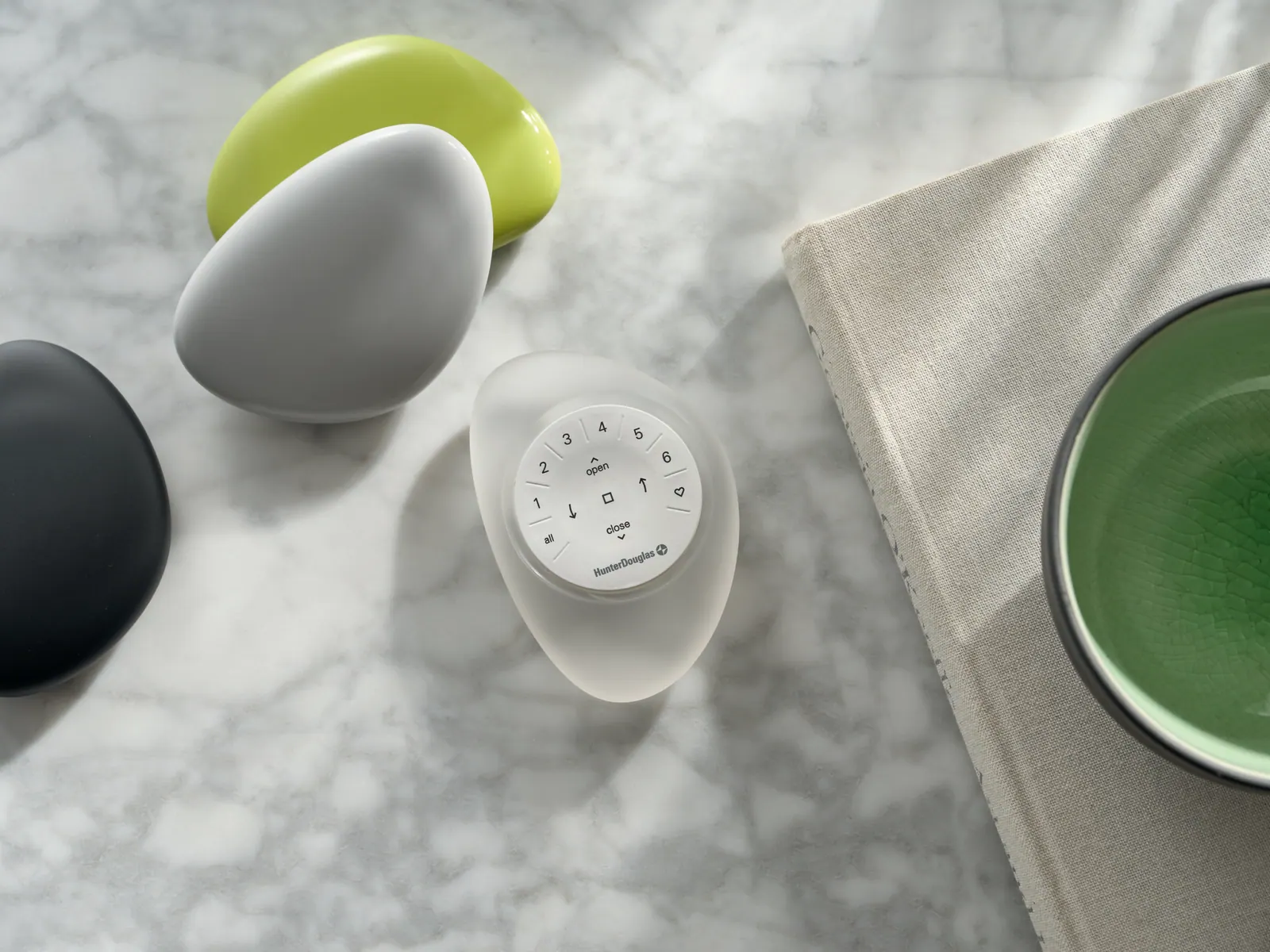
- The motors themselves communicate on their own radio frequency, which is more reliable than Wi-Fi and does not load your network. A hub bridges that network to your Wi-Fi for app and voice control. If your internet goes down, remotes and schedules continue working, only remote app access is affected.
- Can I automate shades in an existing home?
- Yes. Battery-powered motors and wireless control mean no wiring and no drywall work, so retrofitting is straightforward. The main constraint is that motors are built into the treatment, so automating usually means new shades rather than converting the ones you have.
- How much does home window automation cost?
- It scales with the number of windows. The per-window cost is the motorised treatment itself; the system cost (hub, sensors, programming) is largely fixed regardless of how many windows you connect. That means automating a whole floor costs proportionally less per window than automating two. We quote the treatments and the system separately so you can see both.
- Will automation work with my existing smart home?
- In most cases yes. We work with Alexa, Google Home and Apple Home routinely, and we integrate with professional systems like Control4 and Savant when a home already has one. Tell us what you are running at consultation and we will confirm compatibility before you order.
- Is it complicated to set up?
- We configure it at installation (schedules, scenes, sensor thresholds and voice integration) and we walk you through how to change it. You should not need to read a manual. If you want something adjusted later, that is a phone call, not a service charge.